![HR Logo [Recovered]_Full Color Vertical-1](https://blog.healthyroster.com/hs-fs/hubfs/HR%20Logo%20%5BRecovered%5D_Full%20Color%20Vertical-1.png?width=199&height=178&name=HR%20Logo%20%5BRecovered%5D_Full%20Color%20Vertical-1.png)
 By
By
Athletic Trainers using both the Healthy Roster EMR and [P]rehab asked for a better way to connect the two platforms.
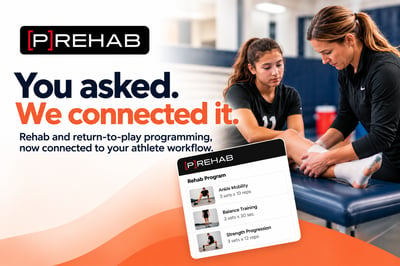 Now, they can.
The Healthy Roster EMR now integrates with [P]rehab, allowing ATs to build and assign rehab and return-to-play programs in [P]rehab while keeping that work connected to the matching athlete’s record in the EMR.
Less time putting information in multiple places
The goal of the integration is simple: make an Athletic Trainer’s day a little easier.
[P]rehab provides programming that spans foundational rehab through athletic performance and return-to-play. With the new integration, that programming can remain connected to the athlete information Athletic Trainers already manage in the Healthy Roster EMR.
Updates made to programs in [P]rehab are reflected in Healthy Roster, helping reduce the need to maintain the same program information across separate systems while providing better visibility into the rehab work happening with each athlete.
Build it in [P]rehab. Assign it to your athlete. Keep it connected in the Healthy Roster EMR.
How to connect [P]rehab and the Healthy Roster EMR
Already using both platforms? Getting connected takes just a few steps:
- Email: help @ healthyroster.com to request your Healthcare Provider ID. The Healthy Roster Customer Success team will confirm approval from your account owner before providing the ID.
- Log into [P]rehab Professional and go to Settings → Integrations.
- Enable Healthy Roster and enter the Healthcare Provider ID provided by our team.
- That’s it! Your integration is connected.
The integration is another way we're continuing to expand the Healthy Roster EMR around the tools and workflows ATs use every day.
And in this case, it started with something we always like to hear from our customers:
“Can you connect these?”
We did!